

On Sitejabber, businesses may not offer incentives or pay to remove reviews. Learn more about our Review Guidelines.

Punchbowl Reviews Summary
Punchbowl has a rating of 4 stars from 880 reviews, indicating that most customers are generally satisfied with their purchases. Reviewers satisfied with Punchbowl most frequently mention birthday party, guest list and customer service. Punchbowl ranks 1st among Event Planning sites.
We monitor reviews for authenticity

This has been my first time and I was having a Christmas party and everyone was overwhelmed how beautiful it was and how simple it was to use and respond to

Punchbowl is the easiest online invitation and the service is amazing. Try it out you won't be sorry.

This was so easy I did it by myself. Lots of selections, easy to use, saved me lots of time and money.

I have used Punchbowl many times now and have been very impressed every-time. The selection is amazing and the program is so easy to use.
Thank you to everyone at Punchbowl for making this once again a Great experience.
Regards,
Jane MacDonald

Punchbowl made it super simple to send out an invite to almost 15 people, and manage our Christmas lunch. Without using it, it would have been a huge headache and time taken to put it all together.

I have used Punchbowl for years. I have also used Evite. Punchbowl is by far the best. Selection is great

Site was very user friendly and easy to navigate. It was easy to import my guest list. Great selection of styles and occasions. Love using Punchbowl for my party invites!

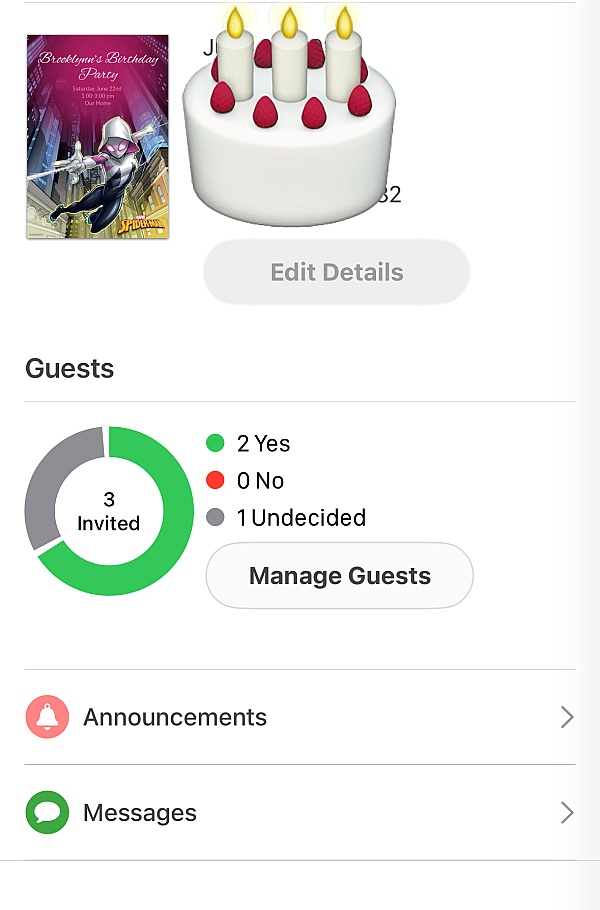
I had a few work related Holiday Events to organize for the high school that I work at. This app/site made it so easy to send the invites, keep track of who was and who wasn't attending, and also send out automatic reminders. Also, my staff loved the invitations!

I've used Punchbowl frequently and like it very much. The invitations are cute, colorful, seasonally appropriate and attractive. There is flexibility in what attributes you can include, such as potluck contributions, which I use for one of my annual events.

I used Punchbowl to send out and manage invitations to the annual Christmas Dinner for my high school girlfriends. We are in our 60's. Several of them told me how impressed they were with the invitations I sent out--one is even using Punchbowl for her family Christmas get-to-gether due to my invitations. These invitations looked great, and in addition I was able to see who was coming and what they planned to bring--all thru the invitation process. I plan to use Punchbowl again!

My guests enjoyed receiving the invite... its fun and added an element of surprise to my party
I loved the graphics and the way the invitation was reveiled from the envelope. It's easier to let people know what to bring when you can do it through the invite.

I use Punchbowl for invitations every year. The designs are beautiful and there are many to choose from. I especially like that they are very easy for the recipient to use.

I use this for Bible Study, Bunco, Gourd interest group meetings, and much more. People can say yes or no fast and send you a private message directly from the email. You can set up a reminder about the event and even a thank you after the event.
Once you've set up a group of people, you can copy the invitation and change the card or photo. No more typing in names to send an invitation.
I love including photos of the current Bible Study book and gourd projects. Their customer service is good too.
Very user friendly! Love it! Any event in hosting o always use Punchbowl to keep and accurate count of attendees.

I have used Punchbowl for various invitations and announcements for years. The selection is amazing and personalizing events is super easy. I love the email and text option as well as the ease of seeing responses.

Punchbowl was fantastic for taking care of all of the "heavy lifting" when it comes to a large gathering. Such as keeping track of what everyone was bringing and allowing me to put out numbers of each type of dish needed. It was automated as far as responses to attendees-which took the pressure off of me and allowed me to work during the day and check the status of my event in the evenings. The president of the club I was hosting the event for was really impressed and couldn't believe he had never heard if Punchbowl before. Then to wrap up the event Punchbowl asked if I wanted to send thank yous to the attendees-which I usually wouldn't have time for-but since they had stylish templates and my list ready to go it took me literally two minutes to send a polished and heartfelt thanks to everyone that attended. I got responses from just about everyone! I have hosted many large events and I will not host another without using Punchbowl!

Really love to use Punchbowl, everything is easier when it comes to managing your guest and you will know how many they are coming as the guest have an option to put in how many they are attending aside from the person you sent an invite.

The e-vites were easy to set up and made my invitations more professional and fun. Thank you!

I've been using the Punchbowl site for years and love its functionality, versatility and ease of use.

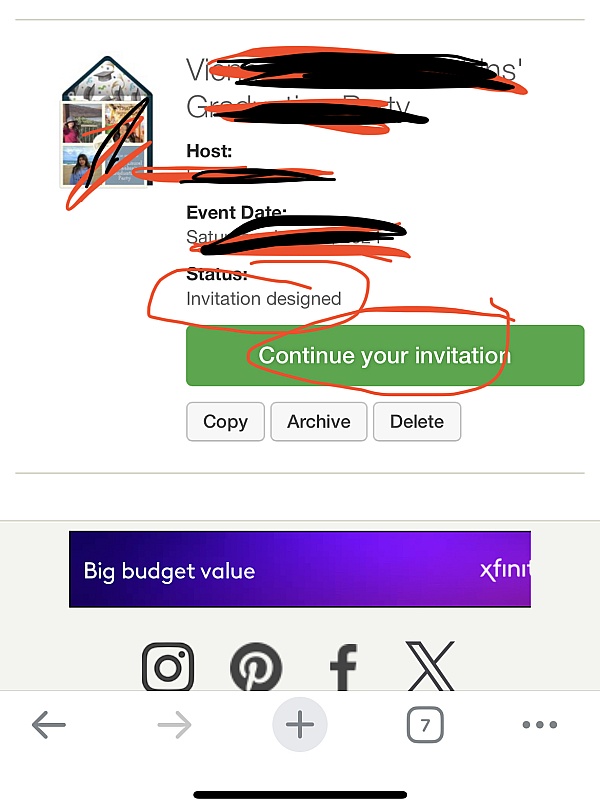
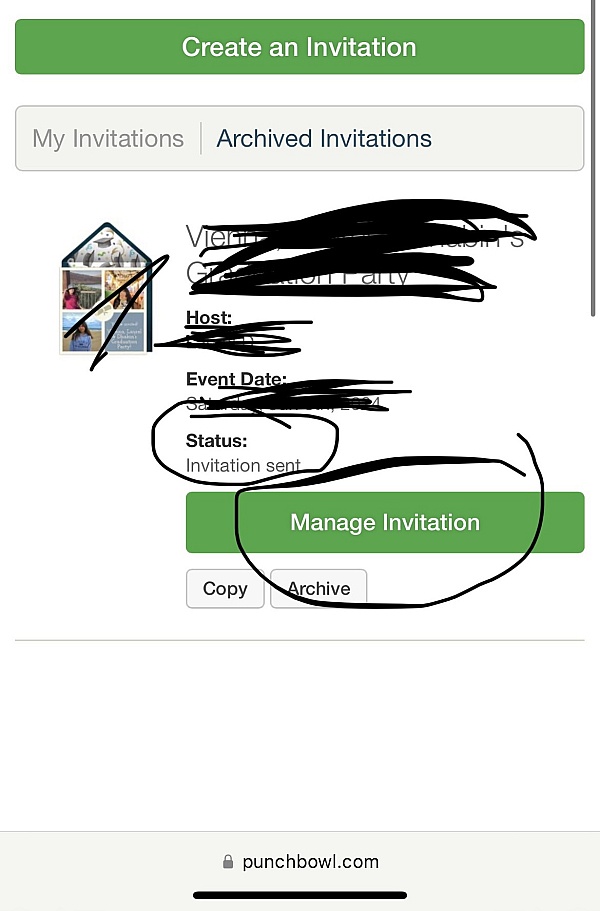
I found Punchbowl to be easy to set up, create an invitation, send, and track RSVPs. I've used it twice now, and will use it again for sure! Great site!
From the business
Punchbowl makes it easy to create and send beautiful, free online invitations and digital greeting cards from your phone, tablet or desktop.




- Sitejabber’s sole mission is to increase online transparency for buyers and businesses
- Sitejabber has helped over 200M buyers make better purchasing decisions online
- Suspicious reviews are flagged by our algorithms, moderators, and community members



- Sitejabber’s sole mission is to increase online transparency for buyers and businesses
- Sitejabber has helped over 200M buyers make better purchasing decisions online
- Suspicious reviews are flagged by our algorithms, moderators, and community members